

How to track alcohol without an account or cloud?
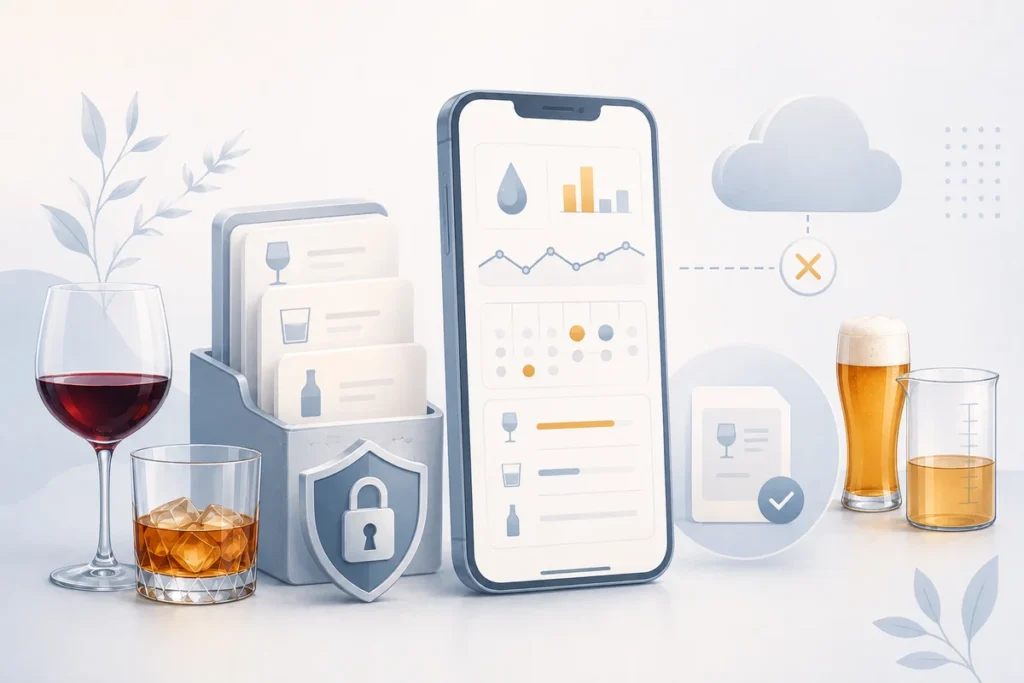
Notes about alcohol can be personal, so the way they are stored matters. QS AlcoRhythm follows a local-first model: basic entries stay on your device, no account is required, and you can use the app offline without mandatory synchronisation.
Start with a short, repeatable entry
The most useful diary does not need much detail. For each drink, record its type, volume, alcohol strength from the label, and date; time is optional but can help you notice an evening rhythm. You do not need to know the abbreviation ABV — look on the label for a marking such as 5% vol., 12% vol. or 40% vol.; that is the alcohol strength the app uses to estimate pure alcohol. If you do not know the exact volume, use a reasonable estimate rather than losing the whole day’s entry.
Regularity matters more than laboratory precision. After a few weeks, days and totals are easier to compare when you use the same recording approach. Grams of pure alcohol are a useful neutral unit because they connect drinks of different strengths and sizes, and QS AlcoRhythm converts an entry to grams automatically from its volume and the % vol. value from the label. The calculation behind that result is explained in /en/how-to-calculate-grams-of-pure-alcohol/.
For example, “beer, 500 ml, 5% vol., Saturday, 20:30” is enough. You do not need to write the story of the evening to see a weekly total later. A brief entry made promptly is often more reliable than rebuilding it from memory days afterwards.
What local-first means in practice
Local-first does not mean anonymity in every situation or an absolute privacy guarantee. It means that basic use of QS AlcoRhythm needs no email, password, or account, and entries are stored on the device. A missing network connection should not prevent ordinary logging.
Your device’s own security and settings remain outside the app’s control. Phone backups, screenshots, screen sharing, another person’s access to an unlocked phone, or where you choose to store a file can all change the privacy picture. If discretion matters, also review your device lock and backup settings.
It is a deliberate trade-off: less automatic convenience and more direct control over where you work with entries. It does not replace your own judgement about device security or reading the product privacy policy.
Exporting and changing phones
Local history does not move to another device automatically. QS AlcoRhythm supports manual JSON export and later manual import, so you choose whether to make a copy and where to keep it.
Before changing phones, export your data, make sure the file is available, and check a few entries after import. If the information is sensitive, do not automatically send the file somewhere whose privacy terms you do not know. Manual export preserves choice; it is not automatic cloud sync.
You can set a backup rhythm that suits you, such as before replacing a device or after a period of regular entries. Remember that you remain responsible for the file and where it is stored.
QS AlcoRhythm
/en/apps-en/qs-alcorhythm/ helps you keep personal entries locally and observe a weekly rhythm. It is a personal observation tool, not medical advice or a therapy programme.
Observe your weekly rhythm with QS AlcoRhythm
QS AlcoRhythm helps you calmly track drinks, weekly limits and history — stored locally on your device, without an account.